Invite-only beta · searching is open to everyone
Recycle code.
Save the GPU power.
Every component here was generated once, argued with, tested, and put on the shelf — so nobody has to burn the GPU time, the credits, or the afternoon again. Connect it to Claude Code, Cursor, or whatever you build with, and let your AI check the shelf before it rebuilds.
51–193
kettle boils of GPU electricity already spent building the measured shelf
6.4–24.1 kWh · every reuse is that much never burned again
$483
in generation credits, if you pay per token, to rebuild the measured shelf once
blended model rates · flat-rate plans save the cap, not the dollars
242
failed attempts you won’t make — about 147 hours of prompting and reading
the wrong version is usually plausible; that is what costs the afternoon
4–16
kettle boils avoided so far by members
live, from real claims · it starts at zero and only goes up
Less electricity, every time.A reused component is GPU time nobody runs again. That is the whole environmental claim — measured on 56 listings, stated as a range, no offsets, no neutrality.
Built something once that works? Put it on the shelf — every AI that searches here can find it, it stays credited to you, and publishing clean gets you into the beta with six invites. Contribute →
Ready-to-run apps. Download, run, make them yours.
Complete applications we built and ran, packed as source. Bring your own keys, change anything, ship it as your own product.
Full app
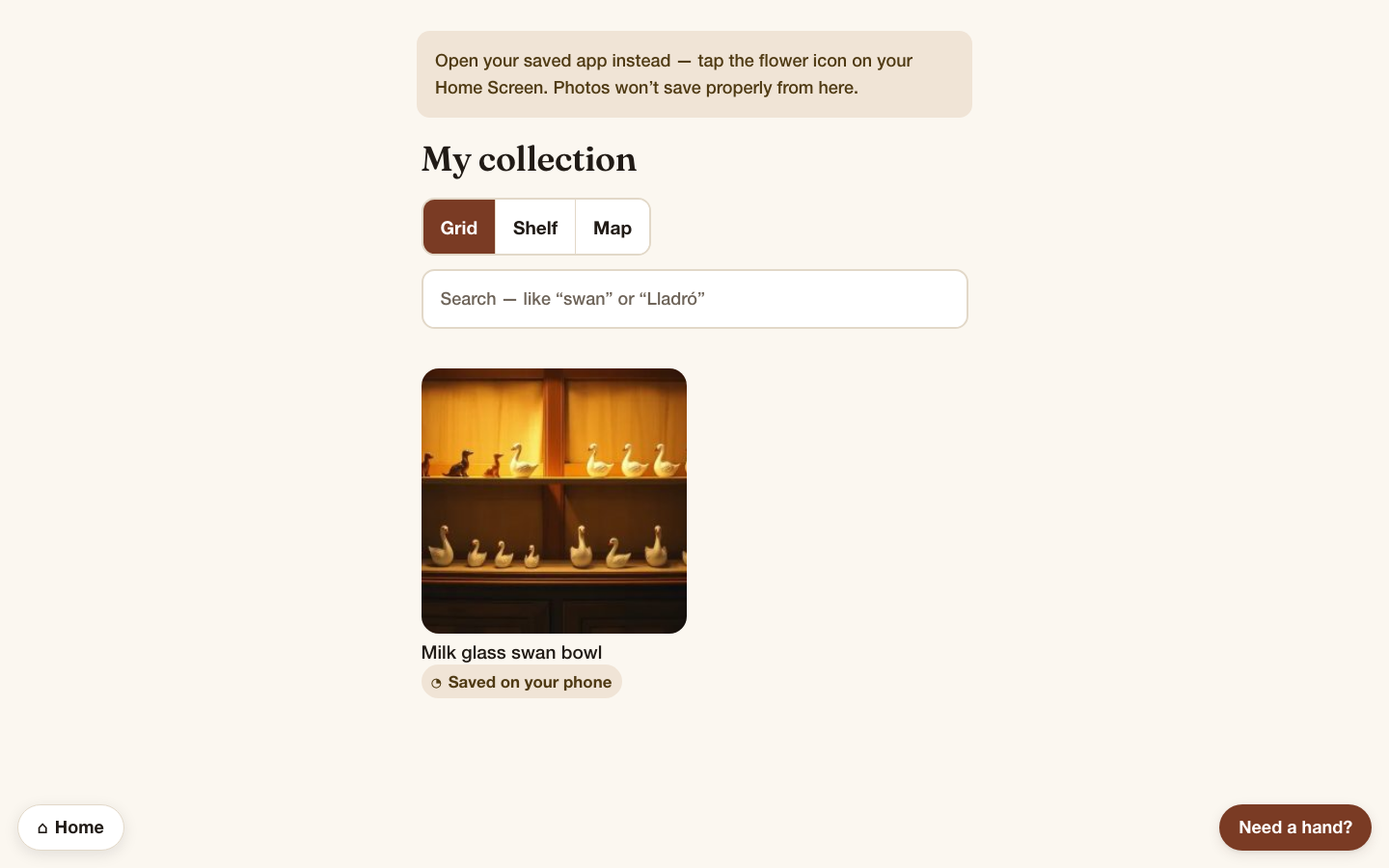
Antique Companion — offline-first collection inventory, AI-assistedCatalogue antique finds by photo, check a market price before you buy twice, and discover shops nearby. Works offline; zero-config demo mode.
nexttypescriptdrizzlepostgres
$0 · beta · normally $349See it →by dropbear · Code Recycle reviewer
Full app
Lookout — self-hosted real-time OSINT dashboard (full app)Flights, ships, satellites, quakes, wildfires, webcams and cyber threats on a live 3D globe, self-hosted, keyless by default. Built on OSIRIS (MIT).
nextreacttypescriptmaplibre
by dropbear · Code Recycle reviewer
Full app
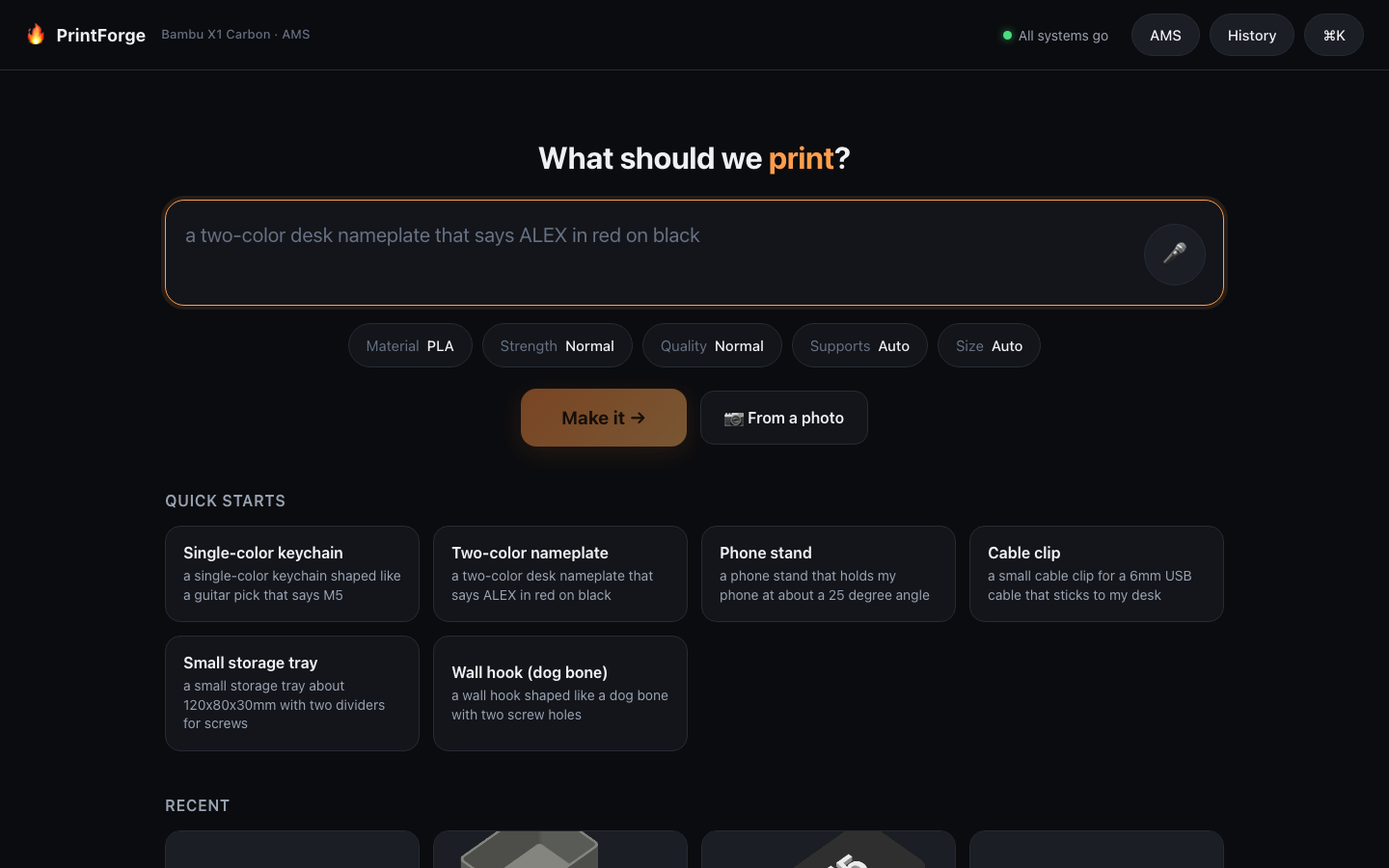
PrintForge — plain-English prompt to a print-ready Bambu X1 Carbon fileType what you want, get a validated, AMS-colour-mapped, sliced .gcode.3mf for a Bambu Lab X1 Carbon. It never prints without you.
reactvitefastapipython
$0 · beta · normally $49See it →by dropbear · Code Recycle reviewer
Full app
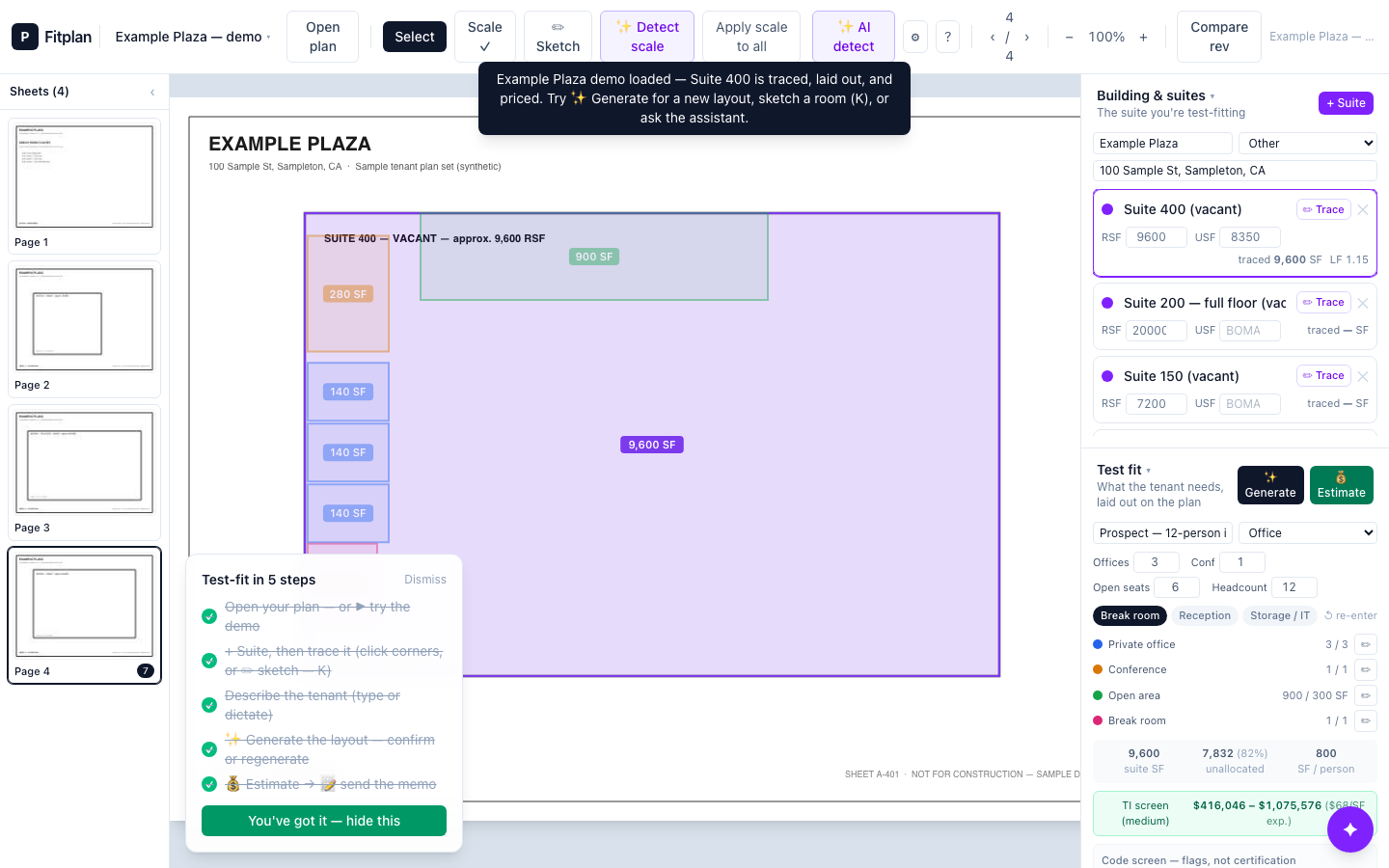
Fitplan — test-fit space plans and TI budgets for landlordsTurn a tenant program and your floor plans into a traced test-fit and a Low / Expected / High tenant-improvement budget while the prospect is still on the phone.
vitereacttypescripttailwindcss
$0 · beta · normally $249See it →by dropbear · Code Recycle reviewer
Full app
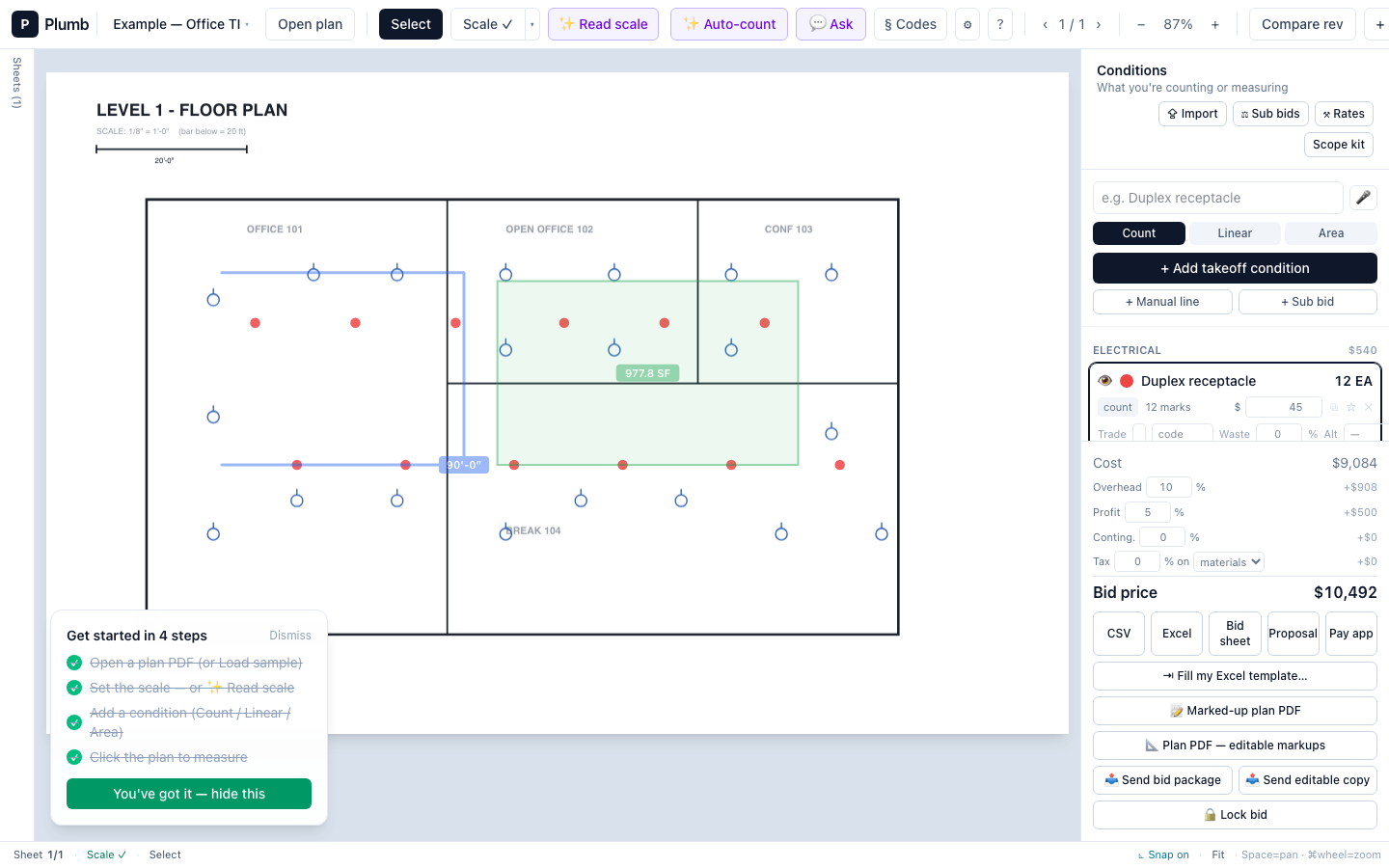
Plumb — buy-once construction takeoff, local-firstCount and measure plan PDFs, let AI auto-count symbols you confirm, export a priced bid. Your plans never leave your machine.
vitereacttypescripttailwindcss
$0 · beta · normally $499See it →by dropbear · Code Recycle reviewer
Full app
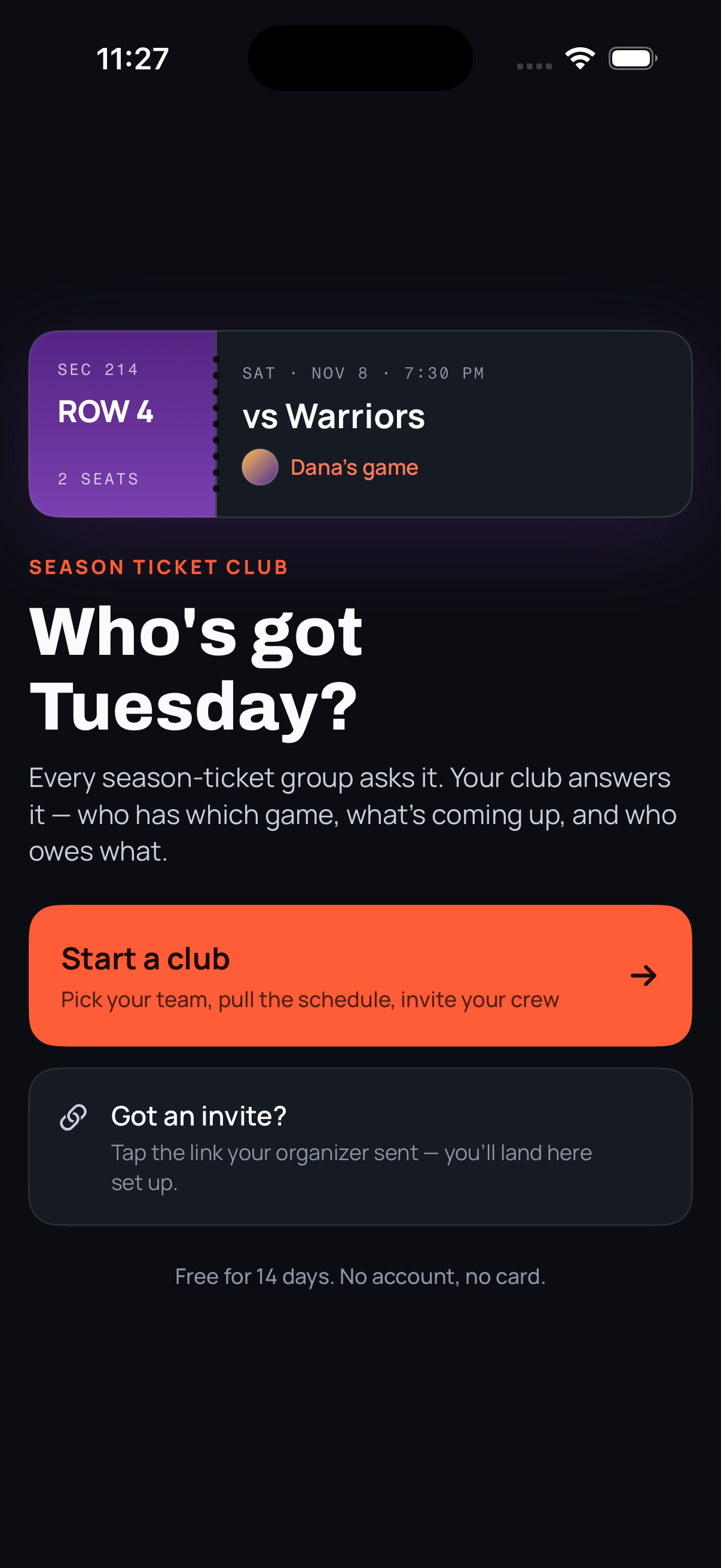
Season Ticket Club — iOS app for groups that split season ticketsDraft the games fantasy-style, track who holds what and who owes whom, sync over iCloud. No servers, no subscription.
swiftswiftuicloudkitstorekit
$0 · beta · normally $299See it →by dropbear · Code Recycle reviewer

Reserved licence: use and modify in your own shipped product; no resale of the source. Free to claim while the beta is on. All apps →
Put it inside your AI — about thirty seconds
Pick what you use. Copy. Paste. That’s it — no key needed to search.
Easiest way
Copy this and paste it to Cursor (or whichever you use). It’ll do the setup for you.
Please connect me to the Code Recycle MCP server. Add a new MCP server called code-recycle with the URL https://coderecycle.ai/api/mcp — no API key needed.
Genuinely, that’s it. You don’t need to know what any of it means — your assistant does this kind of thing all day.
Works in Cursor, Windsurf, Zed, Cline, Continue, Codex, Copilot, Claude Code and LM Studio — anything that speaks MCP. Your assistant can search and read everything we have without a key; one is only ever needed to buy.
Running a model locally with Ollama? It has no MCP client of its own yet, so it needs a separate bridge — that is a longer setup than this page can honestly call one line, and it is written up in the docs rather than promised here.
Never seen this before? Let it show you
Pick whichever sounds like you. It drives the real page — nothing to type, and you can stop it any time.
Then just talk to it normally
No special commands. These are the kinds of things people actually say:
- Is there something on Code Recycle that already does this?
- My CSV import is turning numbers into zeros — search Code Recycle for a fix.
- Before you build the login screen, check if the marketplace has one.
Your assistant does the looking and reads the results. If nothing fits, it says so and gets on with building it — which is the honest answer, and cheaper for you than a bad match.
Or just look, right here
No assistant needed, no account. Press an example and you’ll see what this does in about five seconds.
Press one of these and watch what happens — nothing to type:
Only when you want your agent to take things home
Looking is free forever, and during the beta claiming is too — the key just lets your agent claim on your behalf. Prices and limits start mattering again when the beta ends.
- Get your key. One button in Settings → Agents. Set how much it’s allowed to spend while you’re there — you pick the number.
- Paste it where your assistant can see it. It stays on your computer, with your other keys.
- Your assistant can now buy — inside the limit you set, and it asks you first unless you tell it not to.
We never see or store your key after you copy it. It lives on your machine, it’s yours, and you can kill it from that same page whenever you want. Nothing here asks for keys to anything else you own.
Everything we publish ourselves has been run, not just described.
272 of these we built and tested ourselves. A further 275 are freeopen-source projects we’ve indexed but not tested, and never charge for. If anything a listing claims turns out not to be true, you get your money back — that’s the deal, not a slogan.